

Three Substack Features You're Not Using, but Should!
These features grow your Substack in quiet, compounding ways that improve retention, clarity, and long-term sustainability.

No Shortage of Advice on How to Grow a Substack…
Threads on the importance of Notes. Tips on engagement, posting cadence, commenting, collaborating, repeating. Maybe you’ve come across posts about the underutilized Chat feature. To be fair, a lot of that advice works. But there are other great features that many of these lists don’t cover.
I want to grow my Substack, too. I love writing, and I love writing to you. Growth matters to me, but only if it is sustainable enough so that I can keep showing up and doing this well.
Over the past few weeks I’ve been applying these strategies and my subscriber base is growing 50 by new subscribers a week organically.
While exploring Substack’s settings and backend tools, I noticed a few features that rarely get discussed but quietly support growth by improving reader experience, retention, and clarity.
Here Are 3 Features You Should Probably Be Using
But before we get into these, one important reminder: if your only focus is increasing your subscriber count, you risk losing the people already showing up for you. Growth that last comes from caring for your current readers as much as it comes from attracting new ones.
1. Custom Footers (and Headers)
What is Substack’s custom footer?
Substack lets you add a personalized footer that appears at the bottom of your newsletter emails. It’s a dedicated space where you may add your own text, links, images, or calls to action. You set and edit it under Settings → Emails → Edit “Email header & footer.”
How to set it up (official guide): Substack: How do I edit email headers and footers?
Footers (and headers) do not show up on your online posts, but it does reach every emailed subscriber. It is a reliable place to reinforce your key message and guide your readers.
Here are 4–5 effective ways you can use the footer space:
Consistent call-to-action (CTA): Rather than asking people to subscribe once in the body of your post, include a gentle CTA, like, “Enjoyed this? Share with a friend” or “Hit 'Reply to Say Hi.”
Link to your most popular resource: Pin a flagship post, a paid guide, or a download that reflects your core focus. This helps readers quickly understand what you offer.
Social follow links: Include icons/links to your Twitter/Instagram/LinkedIn/Whatever website for cross-platform connection. Some readers will follow you elsewhere, also.
Branding and positioning: A short tagline, icon, or sentence that reinforces who you are and what your newsletter stands for.
Soft promote your other work: If you sell a course, book, coaching, or paid content, a discreet note like “Explore my books here → [link]” can encourage long-term readers to engage without pressure.
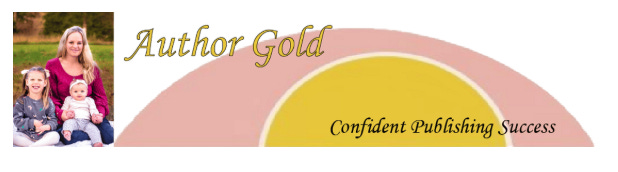
There’s also an option to add a custom email header which appears above your post title. This helps your readers recognize your emails easier when they come in. Many readers subscribe to dozens of newsletters. When inboxes are crowded, your banner helps you stand out.
It doesn’t have to be perfect. Just add one, and you can update it later as you like! Here’s my header (for now!)…
2. Tags
What are Tags on Substack?
Tags are labels you may assign to your posts to organize your content by topic so it is easier for you and your readers to find related posts.
You can build category pages tied to them. Once you assign a tag, Substack creates a dedicated page (yournewletter.substack.com/t/tagname) that collects all posts with that tag. You can then add these tag pages to your homepage’s navigation bar, and add links in your newsletter, to help readers explore more of your posts on the topics they care about.
How to set them up:👉 Substack’s official guide: How do I add tags to Substack posts?
Strategic ways writers can use tags:
Create topic hubs: Group posts around themes (e.g., AI insights, writing prompts, book recommendations) so readers can quickly find all your related content. The longer they are reading, the more likely they are to subscribe.
Add to your navigation bar: Once you’ve created tags, you can link to important tags to your site’s menu, sidebar, or newsletter content. Give your subscribers a clear pathway through your archive.
Highlight recurring themes: When you send a newsletter, you can link a relevant tag page to showcase your past work on the topic.
Improve clarity and self-discovery: Tags can surface patterns in your writing and improve how your content is indexed and discovered over time.
Used well, tags can help turn a growing archive into a structured library. Long scrolls of disconnected posts can confuse or turn off prospective readers.
Again, it doesn’t have to be perfect to start. Here’s mine (for now). I have a number of tags, but I’ve added “Services,” and “Resource Vault” for now! I’m already seeing patterns, though, and planning out how I can organize my content more efficiently.

3. Text To Speech (TTS)
(This one is my personal favorite)
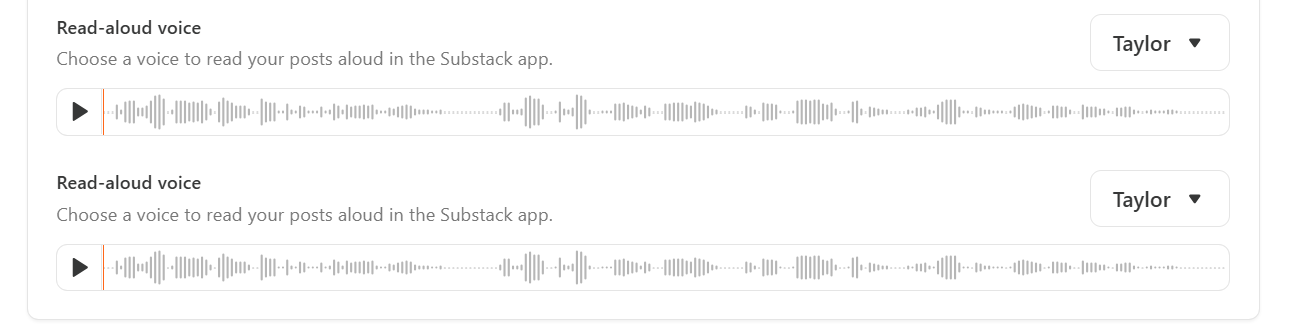
Substack’s text-to-audio feature allows readers to listen to posts instead of reading them. Readers can also choose from different voice options (ages, genders, tones). Once selected, your chosen voice will apply to all your future posts. Note: so far, it’s only available to readers when they use the mobile app (that I can tell).
How to enable TTS:👉 Go to Dashboard —> Settings —> Branding —> find the "Read Aloud Voice" option and select one from the available list.
The feature essentially turns your posts into audio books.
The feature is geared to increase accessibility. It also accommodates readers who prefer audio while commuting, walking, or multitasking. Offering you posts in both written and audio formats can improve reader retention without requiring additional content from you (the perfect example: a reader can listen to your entire book chapter post while they’re driving in to work).
Final Advice
Although Substack provides many tools and settings that carry an incredible potential to help writers reach readers (and readers find their favorite writers), no formatting choice, feature, or backend tool can replace clarity.
To grow sustainably, you need:
A clear message
A clear sense of who you’re writing for
Content that consistently serves that reader
Tools support growth, but they cannot automatically create it for you. Clear writing, focused intention, and care for your audience will serve you best long term.
If you’ve discovered these tools, share what you’ve learned! Share your tips or utility that’s made a difference for you with others in the comments. 👉
With best regards,
Jennifer | Author Gold

I had NO idea about the read aloud voice. I recently posted that I wanted to add voiceovers to my posts, but I just checked (from the app) and realized it was already enabled! I feel so silly for never noticing it. 😅
These are important details for success.